
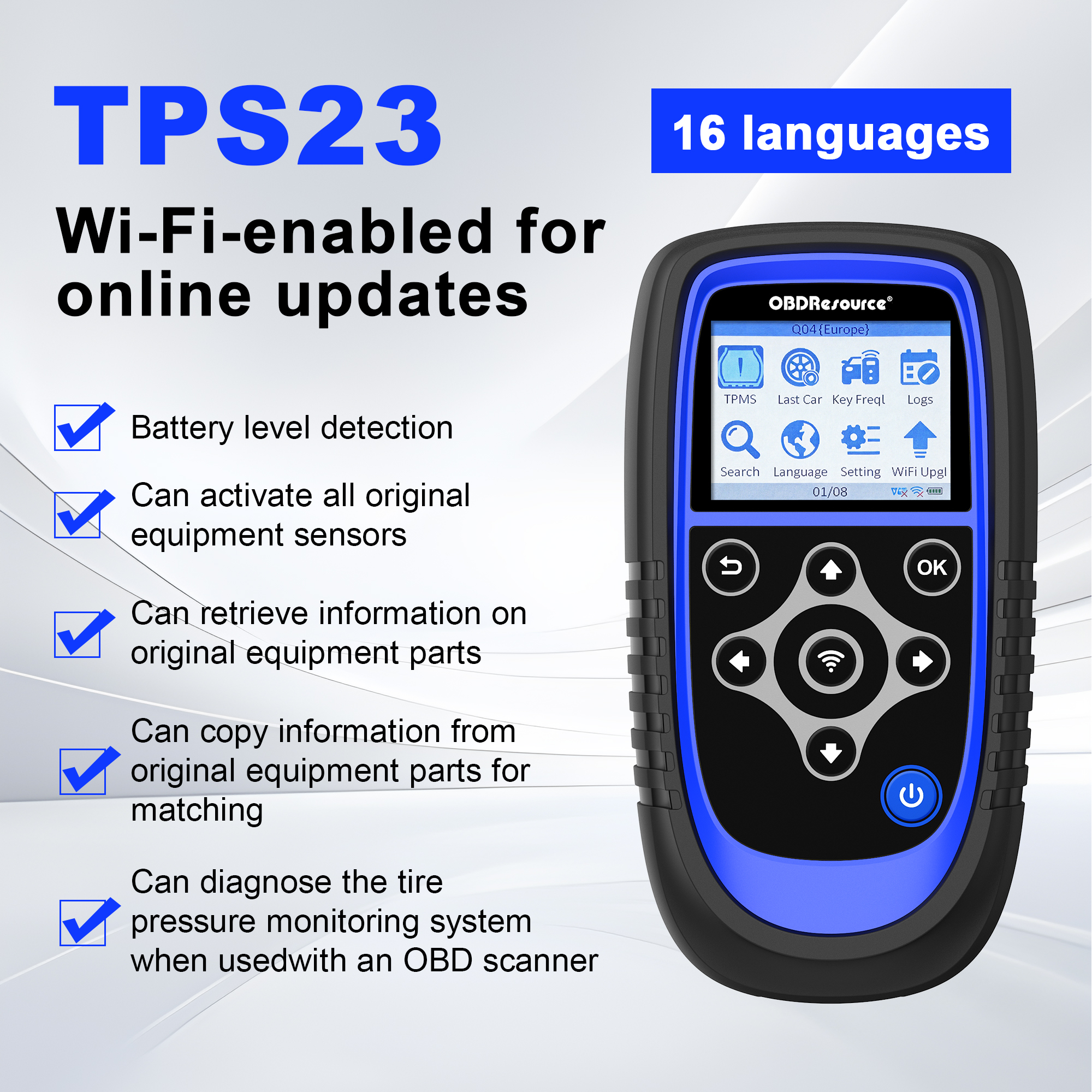
TPMS Tools
TPS23Professional TPMS Programming Tool with Bluetooth OBD
Activate sensors, read TPMS data, program TP-Sensors and perform supported relearns via a Bluetooth OBD interface. Supports batch programming of 1–20 compatible sensors and Wi-Fi software up…
Product overview
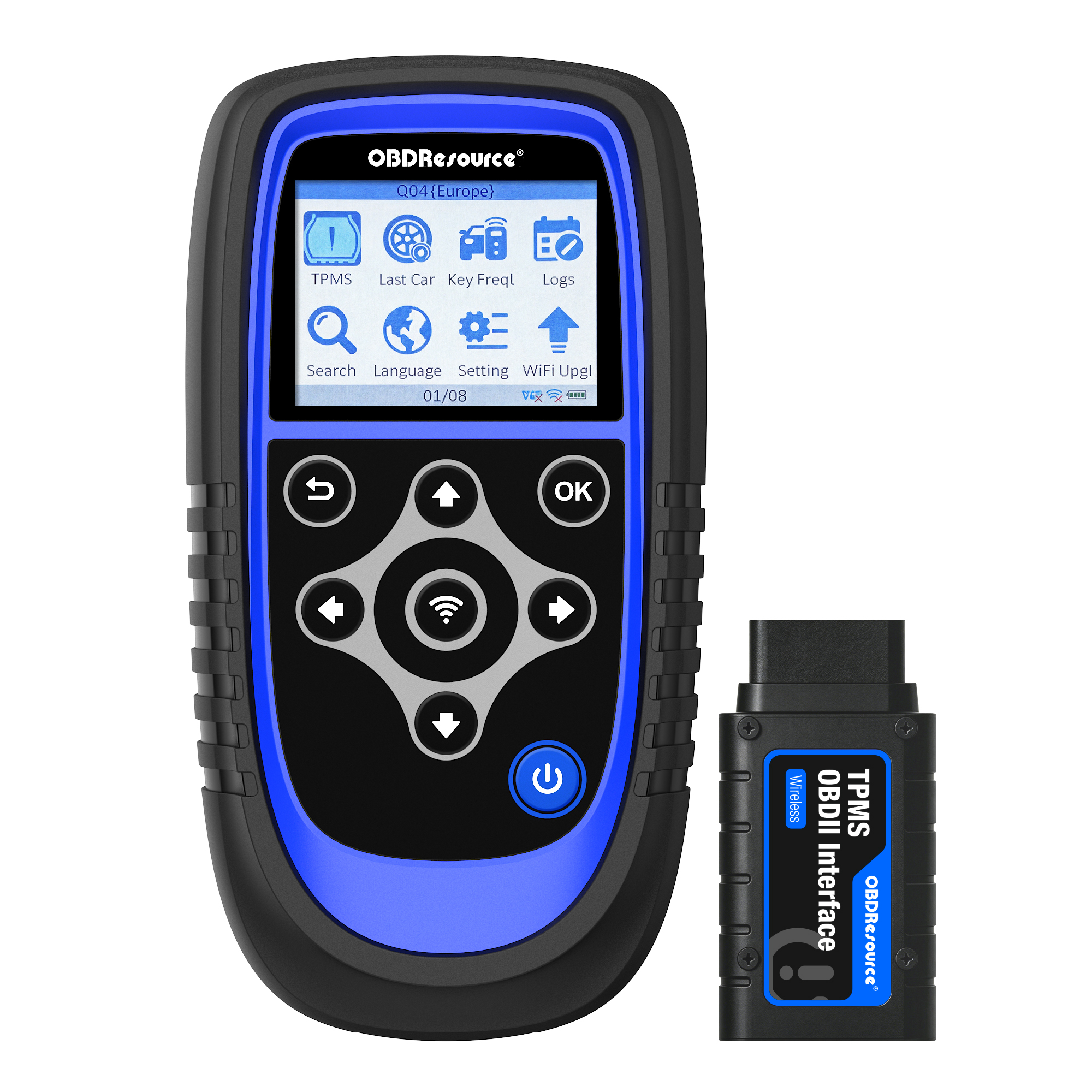
The OBDResource TPS23 is a professional TPMS diagnostic and programming tool with a Bluetooth OBD interface. A color display and physical controls guide vehicle-specific activation, programming and relearn work. Batch programming supports tire service teams preparing multiple compatible replacement sensors.
Core TPMS service capabilities
Read sensor and TPMS fault data
Activate compatible 315/433 MHz sensors to view ID, pressure, temperature and battery status. Read and clear TPMS fault codes on supported vehicles.
Choose the appropriate programming method
Use manual ID entry, automatic ID creation, activation cloning or OBD cloning. Batch programming supports 1–20 compatible sensors, subject to the selected procedure and sensor support.
Use Bluetooth OBD and Wi-Fi updates
Read and write sensor IDs and perform supported relearns through the Bluetooth OBD interface. Update software over Wi-Fi and look up compatible OE sensor information.
Suggested service workflow
Confirm the application — Check make, model, year, market, sensor frequency and OE number.
Activate and diagnose — Check each sensor’s data and read TPMS fault information as needed.
Program replacements — Select manual ID entry, automatic creation or a supported cloning method for compatible OBDResource TP-Sensors.
Relearn and verify — Connect the Bluetooth OBD interface or follow the vehicle’s other relearn steps, then verify IDs, wheel positions and system status.
Before you start
Vehicle coverage, sensor compatibility and available functions depend on model year, market and device software. Confirm the target vehicle and required operation before service.
Product images and details
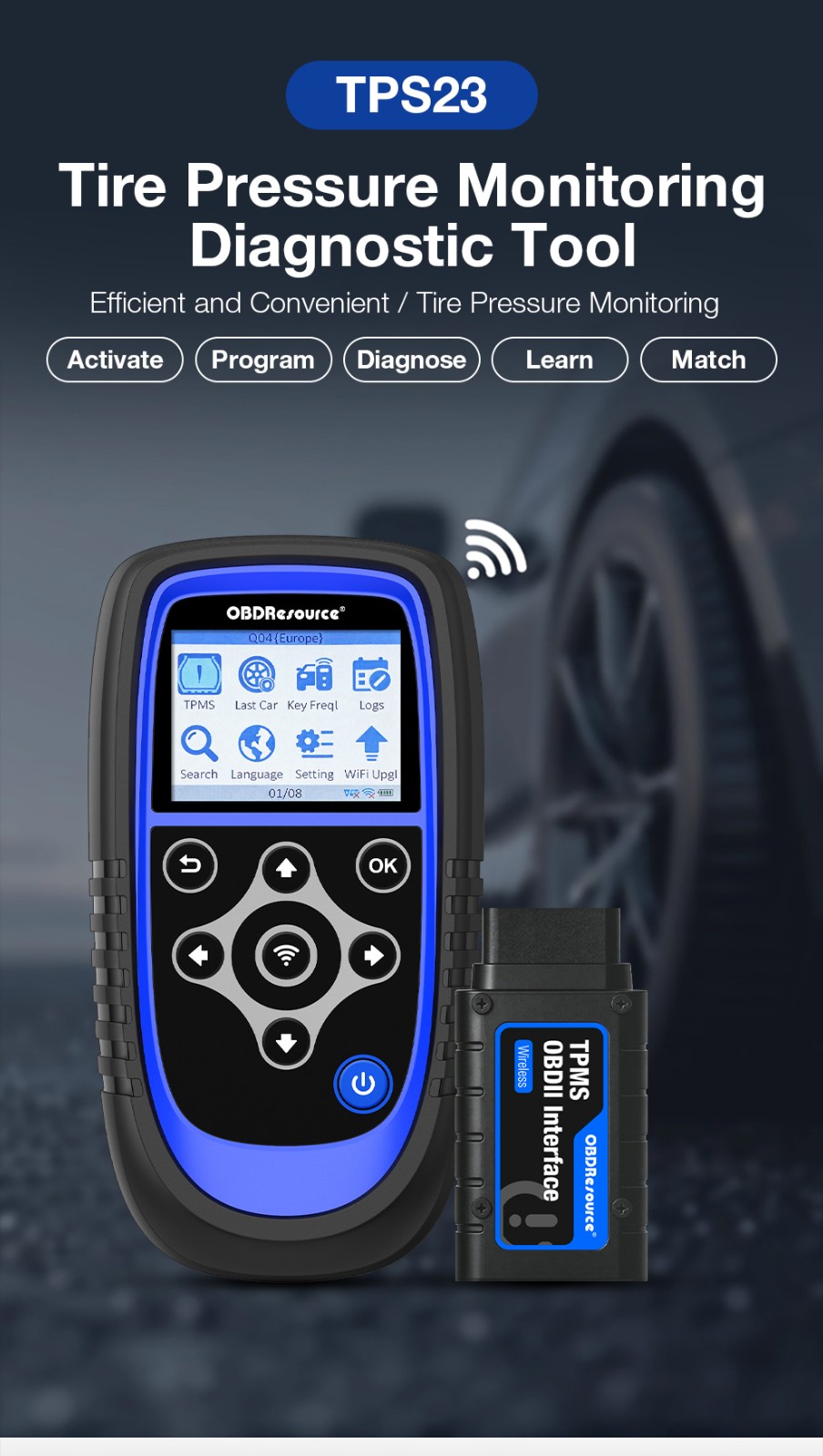
TPS23 professional TPMS tool and Bluetooth OBD interface
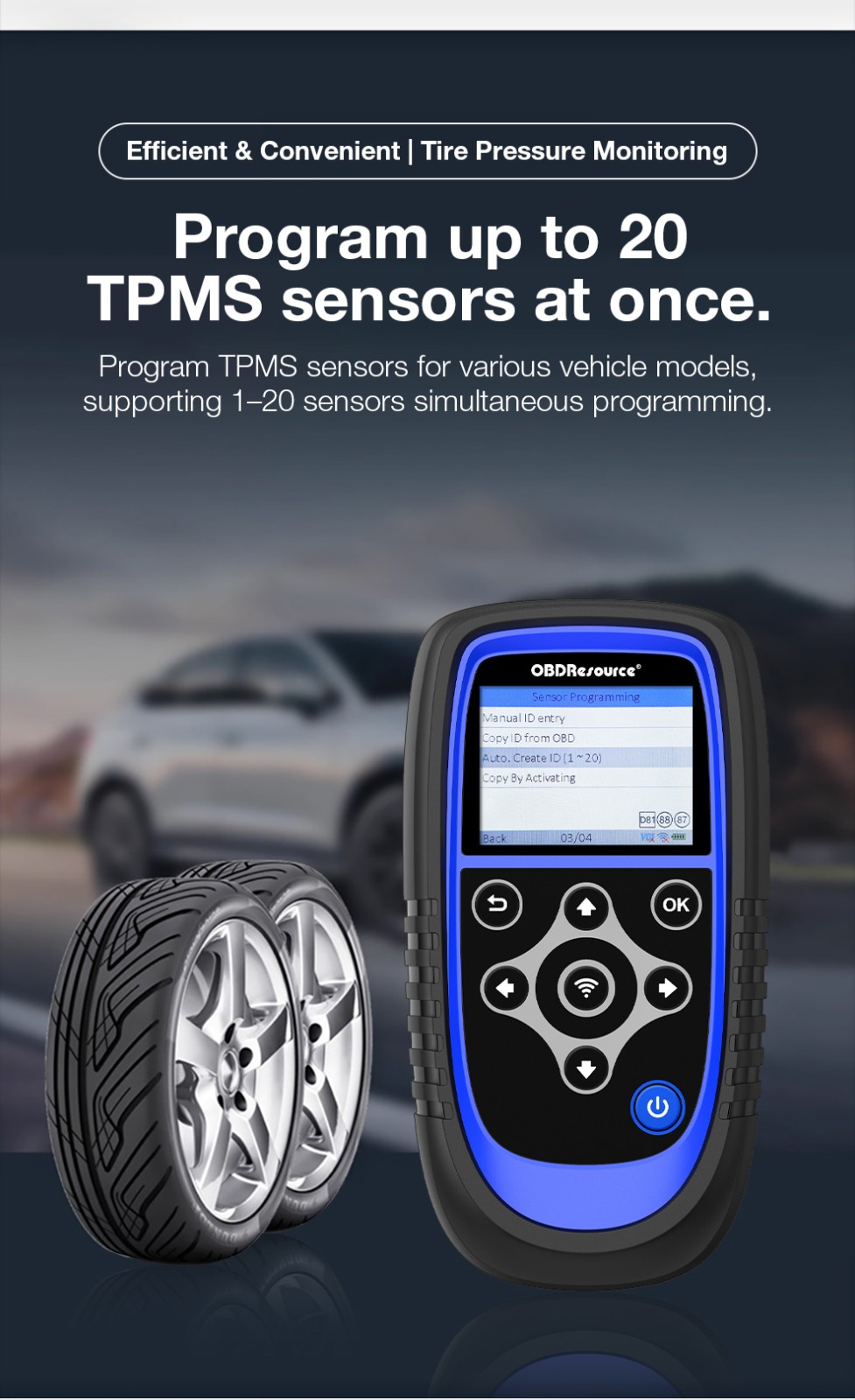
Batch programming of compatible replacement sensors
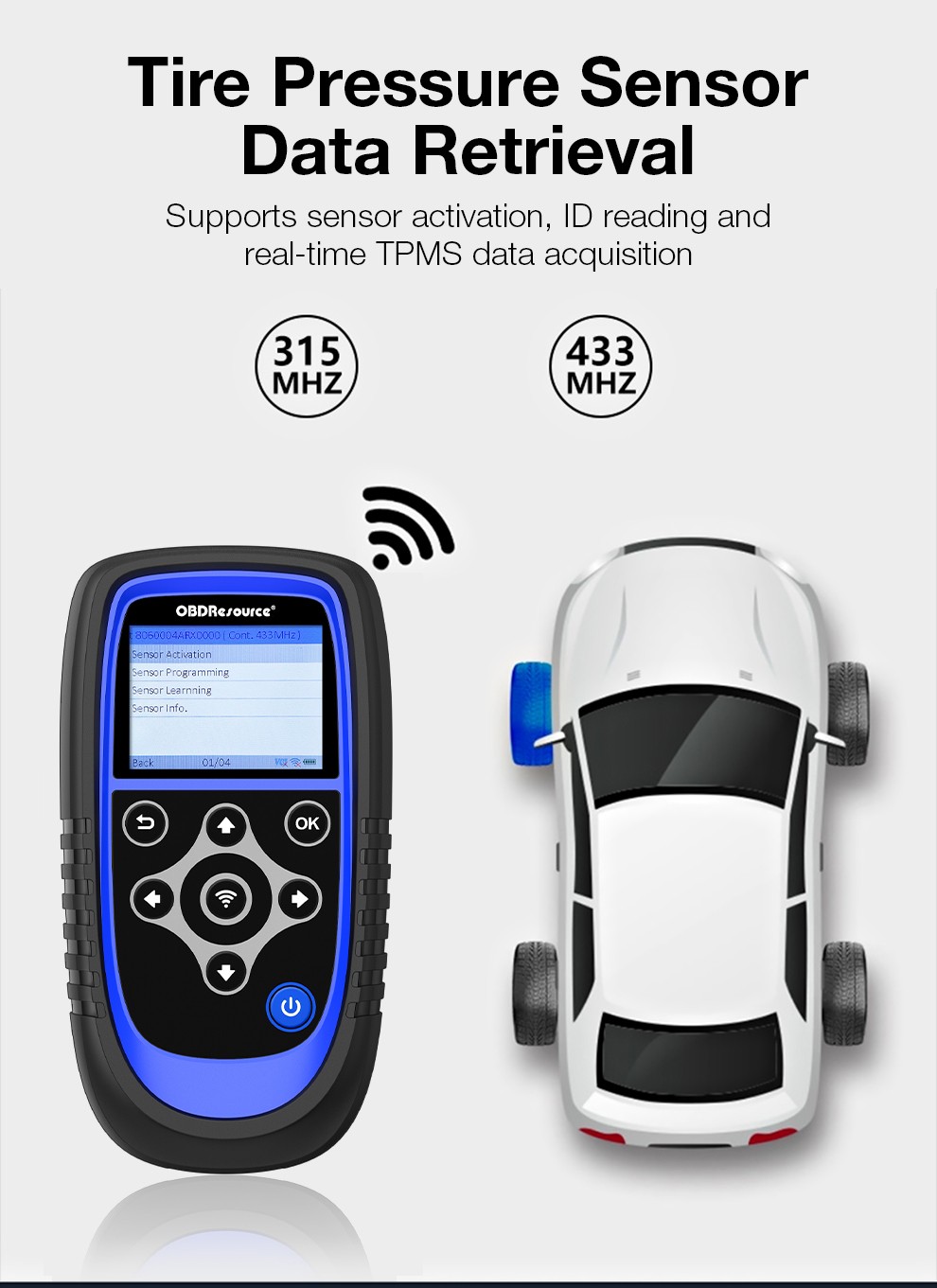
315/433 MHz sensor activation and data reading
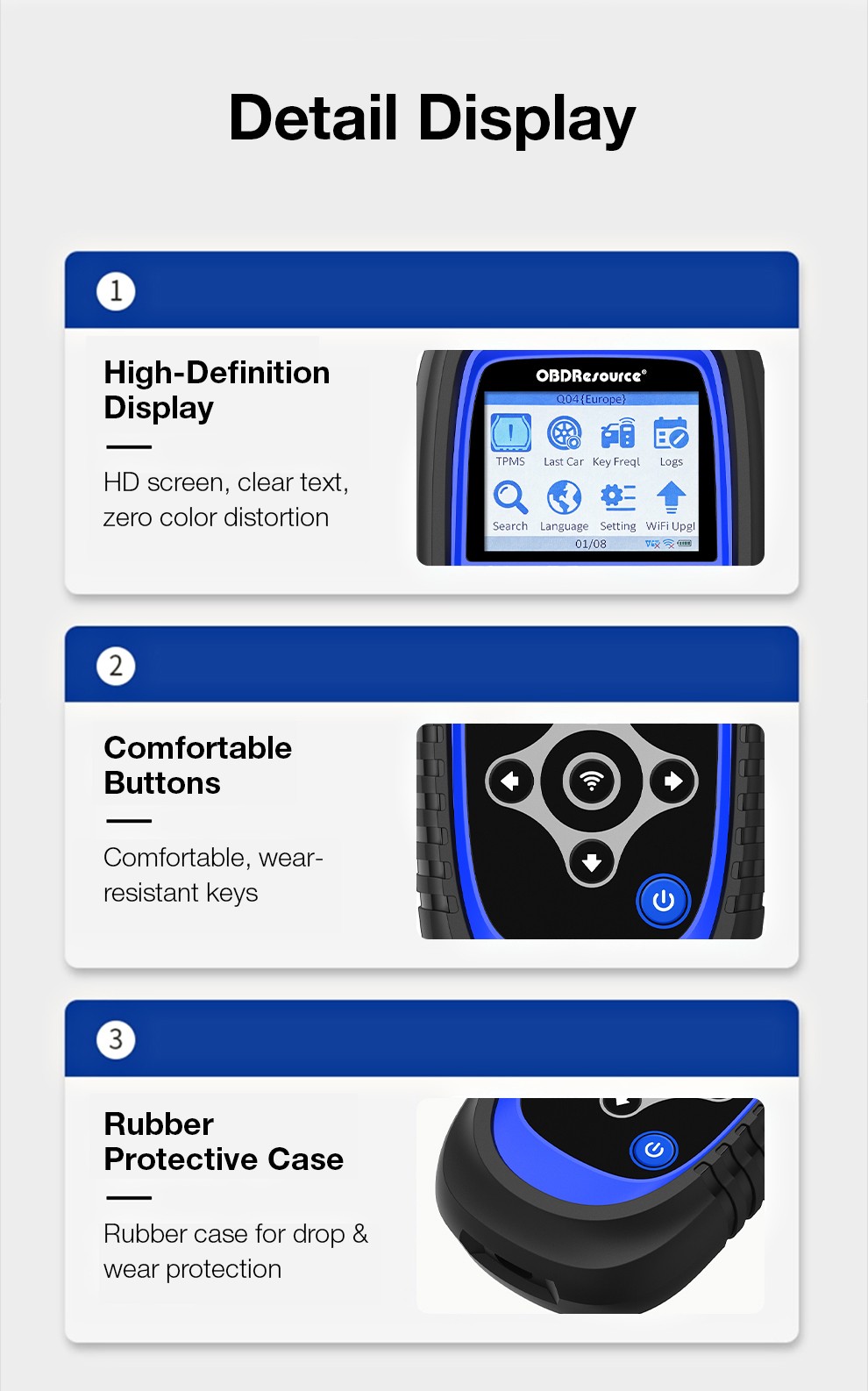
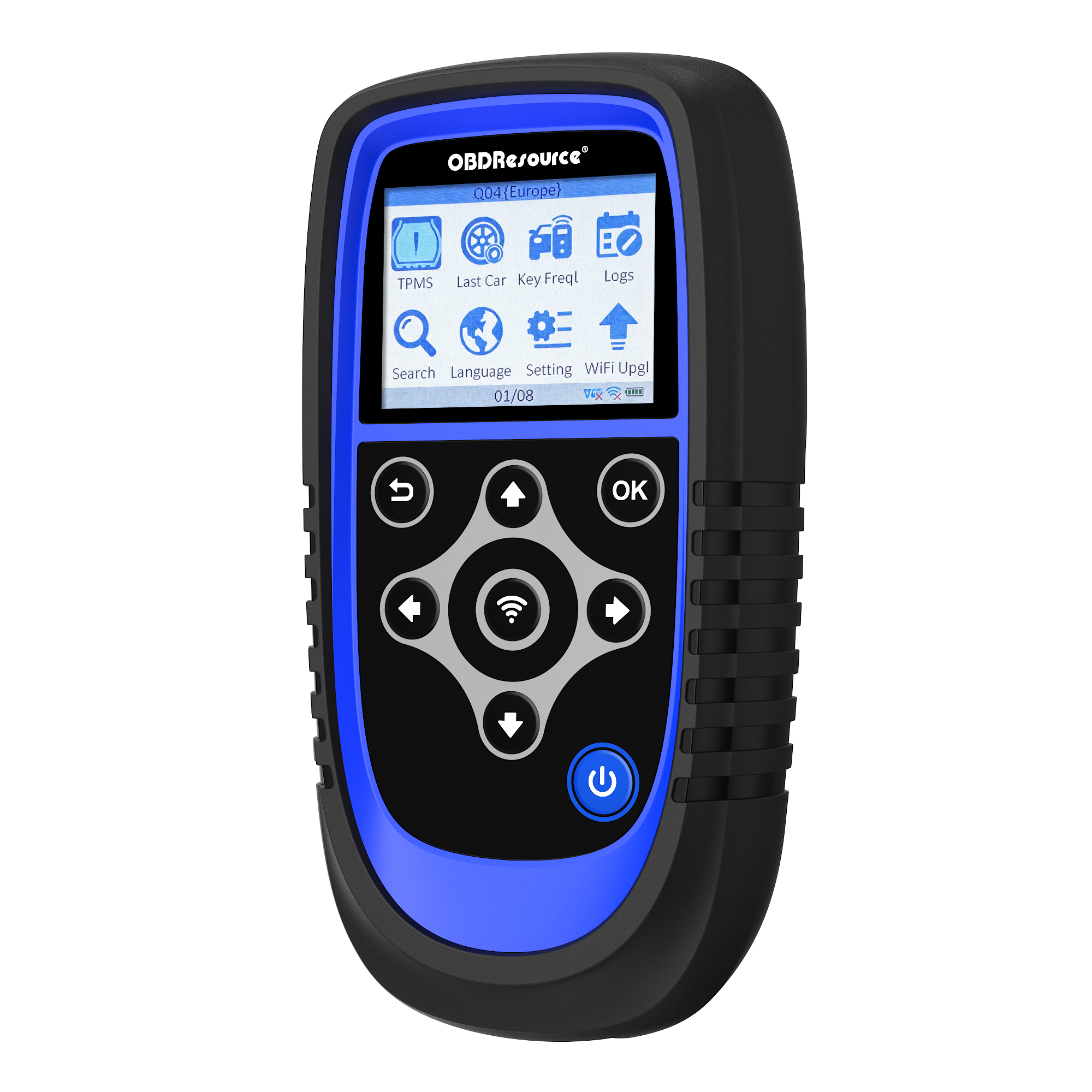
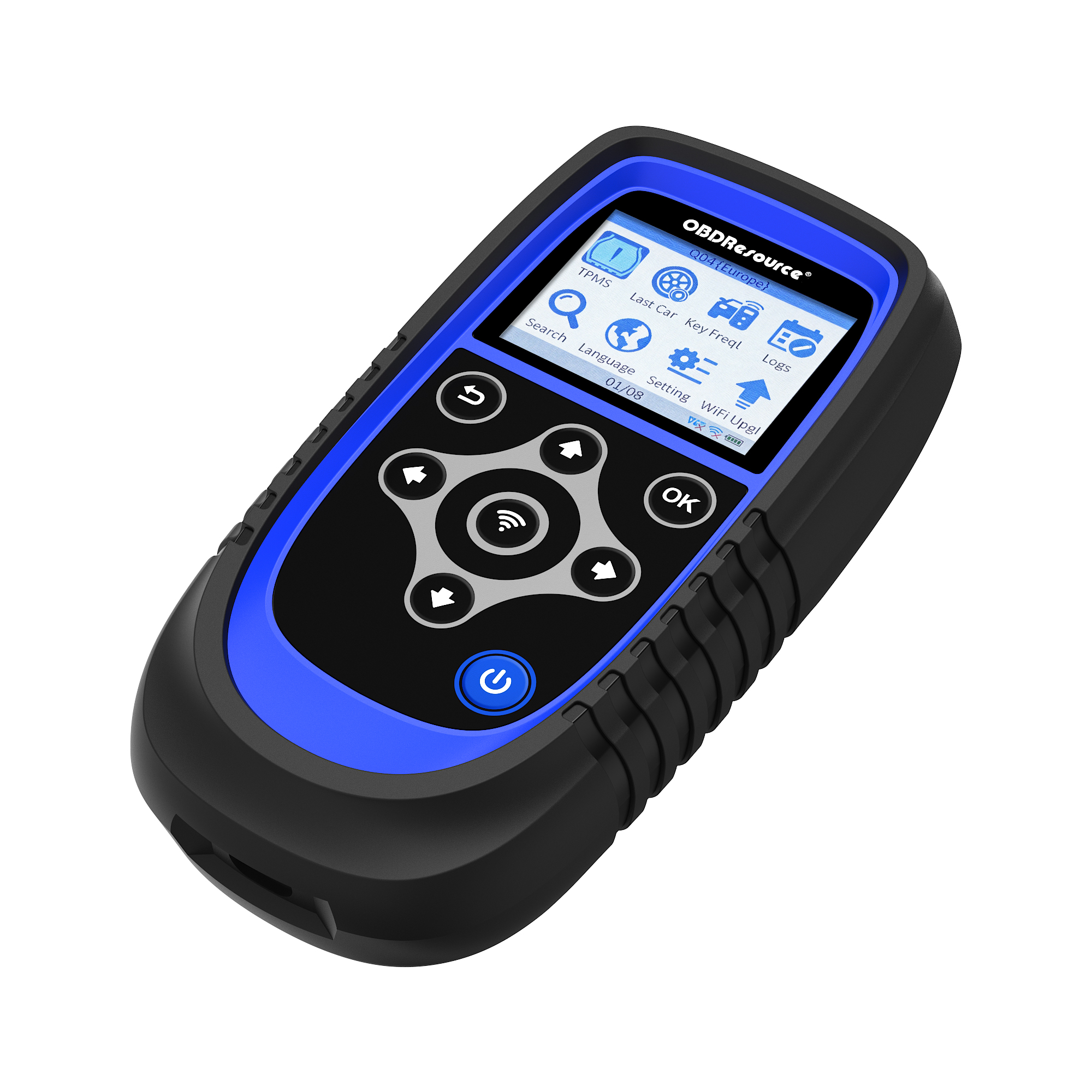
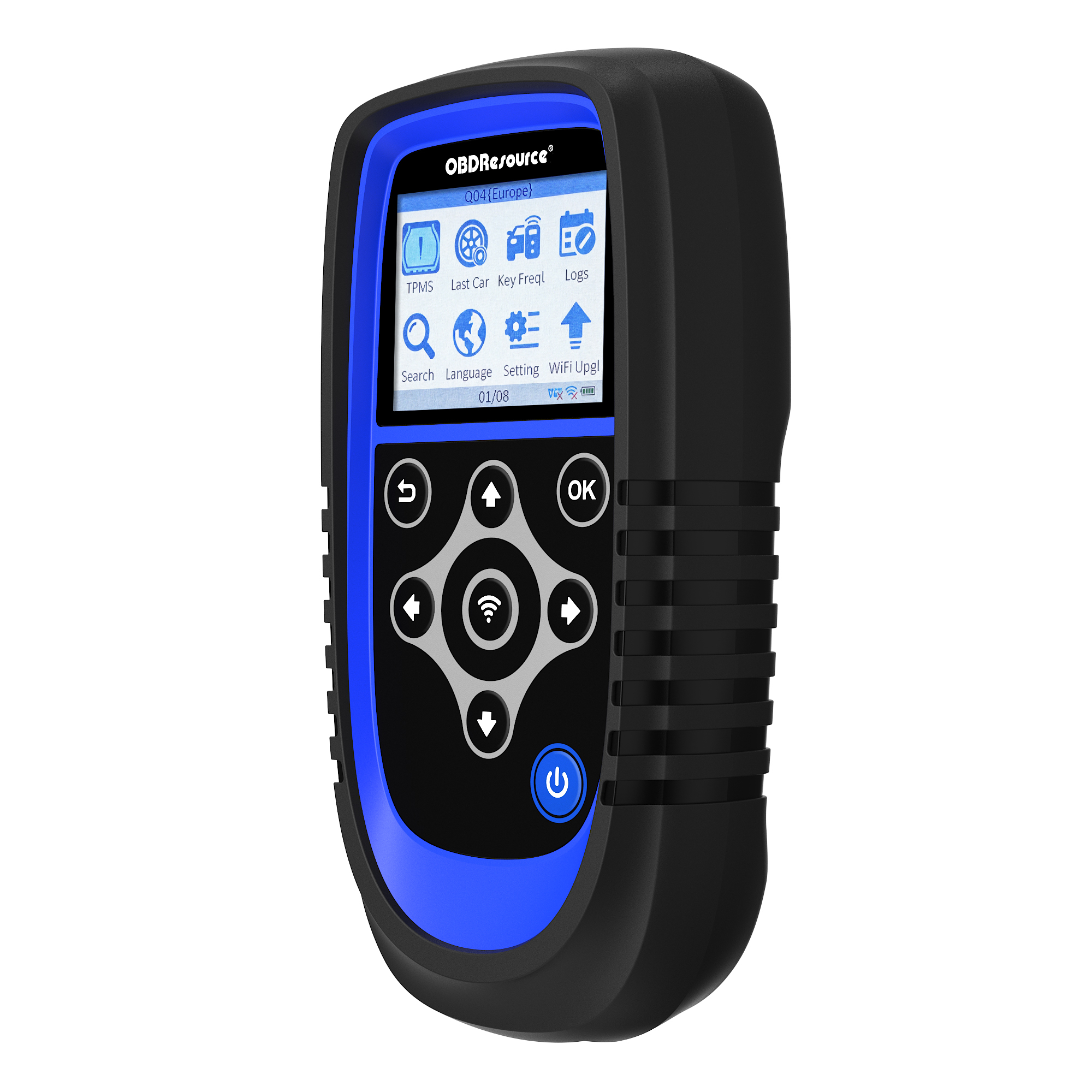
Color display, physical controls and rubber cover
Frequently asked questions
What is the Bluetooth OBD interface used for?
It connects the tool to the vehicle diagnostic port for supported TPMS ID read/write and relearn procedures. Different vehicles may require different relearn methods.
How many sensors can be programmed together?
The product material specifies batch programming of 1–20 compatible sensors. The available quantity and method depend on the selected vehicle procedure and sensor support.
How do activation cloning and OBD cloning differ?
Activation cloning reads the ID from a responding original sensor. OBD cloning reads an ID stored in the vehicle through its diagnostic port. Both require a valid ID source and compatible replacement sensor.
Can it program sensors from any brand?
Programming is intended for compatible OBDResource TP-Sensors. Reading or activating an OE sensor does not imply that it can be reprogrammed.
Related products
TPS Elite Portable TPMS Diagnostic & Programming Tool · TPS20 TPMS Programming & OBD2 Diagnostic Tool
Key features
Applications
Technical specifications
| Item | Specification or function |
|---|---|
| Model | TPS23 |
| Tool type | Professional TPMS diagnostic, sensor activation, programming and relearn tool |
| Sensor frequencies | 315 MHz / 433 MHz |
| Vehicle connection | Bluetooth OBD interface |
| Sensor data | ID, pressure, temperature and battery status, subject to sensor protocol |
| TPMS diagnosis | Supported ID read/write, fault code reading/clearing, matching and relearn |
| Programmable sensors | Compatible OBDResource TP-Sensors |
| Programming methods | Manual ID entry, automatic ID creation, activation cloning and OBD cloning |
| Batch programming | 1–20 compatible sensors, subject to the selected procedure and sensor support |
| Software updates | Wi-Fi wireless updates |
| OE lookup | Compatible OE sensor numbers and information |
| Display and controls | Color display; directional, OK, back, activation and power buttons |
| Additional functions | Key frequency detection, recent test records and configurable auto power-off |
| Housing protection | Rubber protective cover |
Vehicle coverage, sensor compatibility and available functions depend on model year, market and device software. Confirm the target vehicle and required operation before service.