
TPMS Tools
TPS20TPMS Programming & OBD2 Diagnostic Tool
Activate 315/433 MHz sensors, program TP-Sensors and perform supported TPMS diagnosis and relearn, plus basic OBD2 engine checks. Features a 2.8-inch display, 3000 mAh battery and 1.2 m OBD…
Product overview
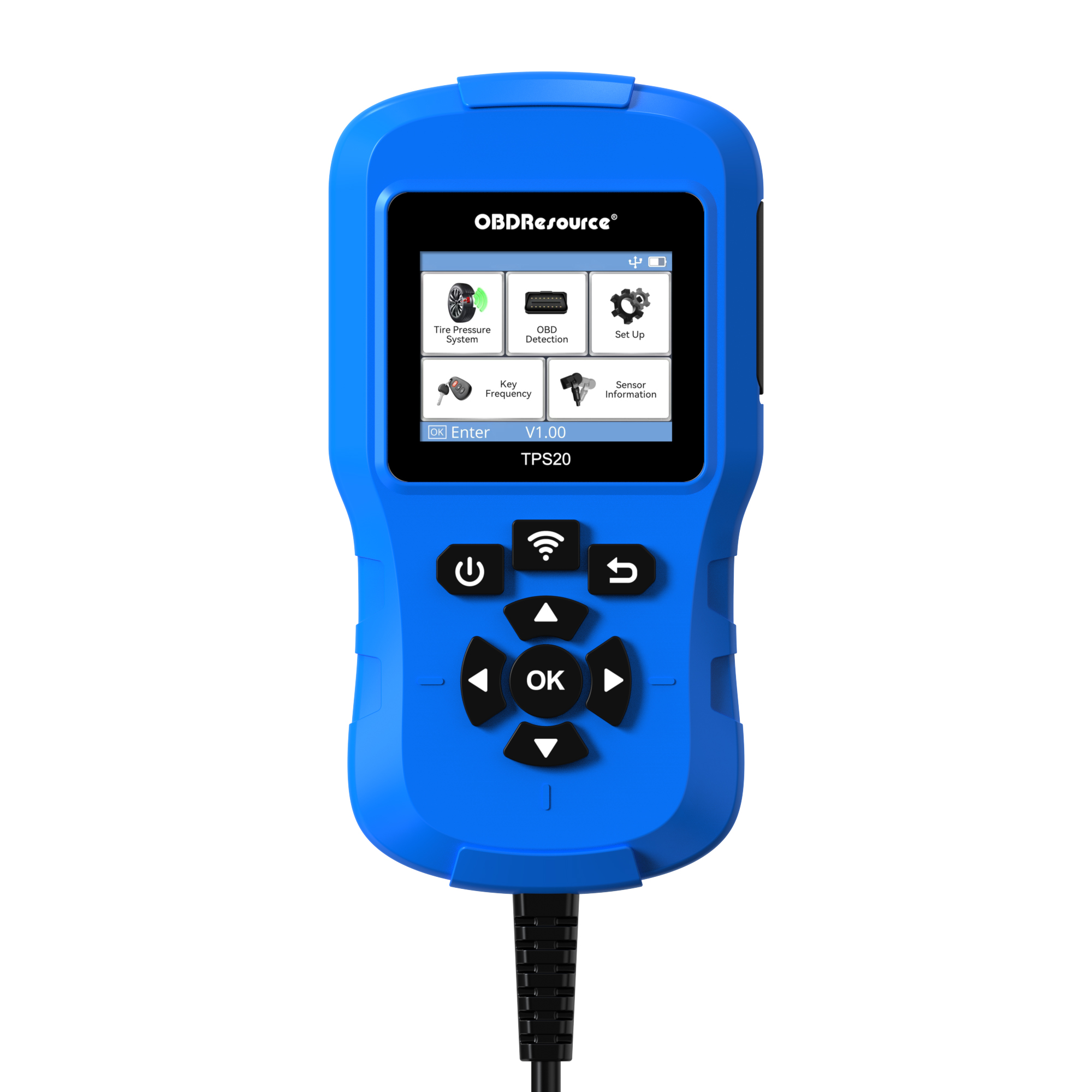
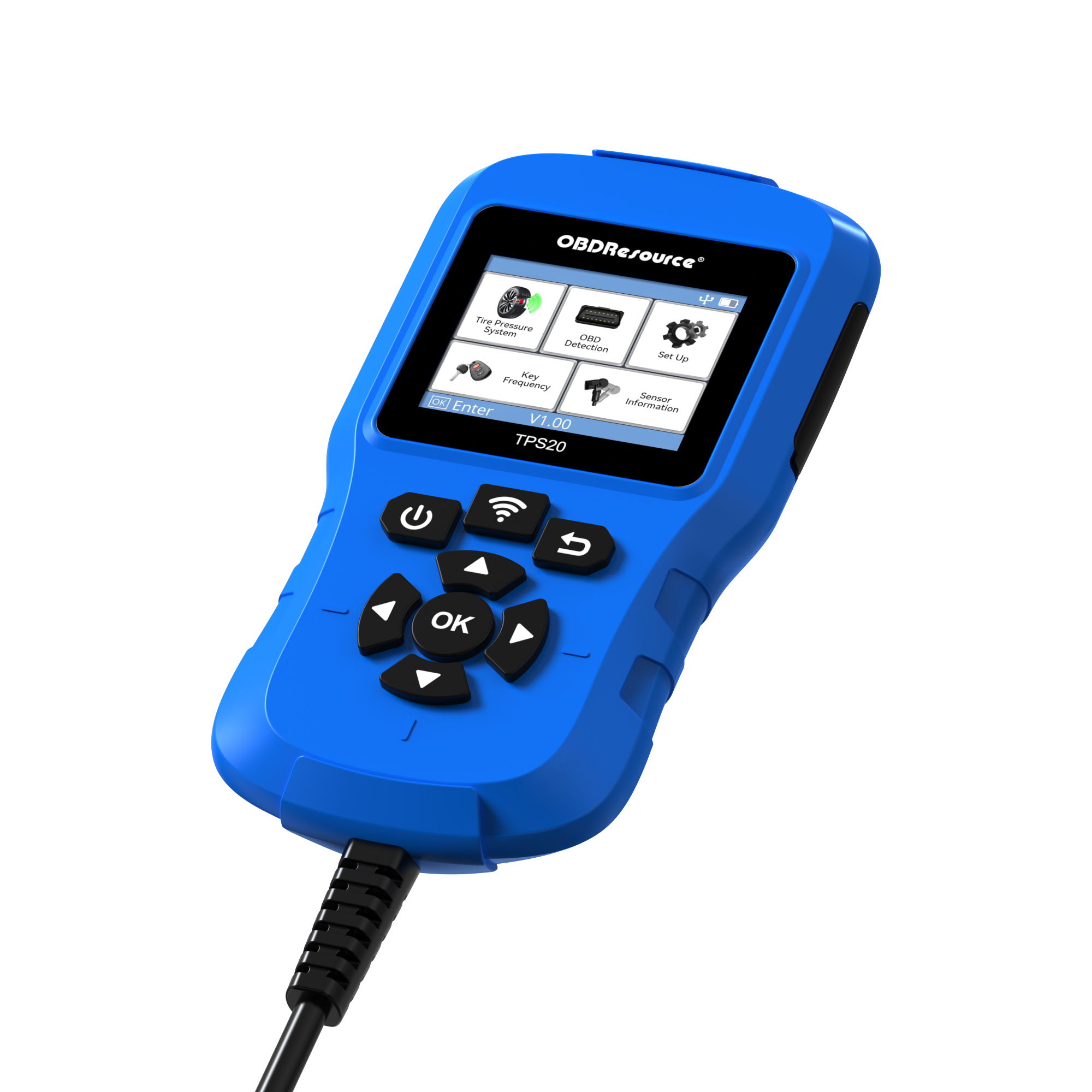
The OBDResource TPS20 combines TPMS service and basic OBD2 engine diagnostics in one handheld tool. Its attached OBD cable supports vehicle-specific sensor ID read/write and relearn procedures, while a 2.8-inch display and physical buttons guide day-to-day inspection and maintenance.
Core TPMS service capabilities
Handle routine TPMS service
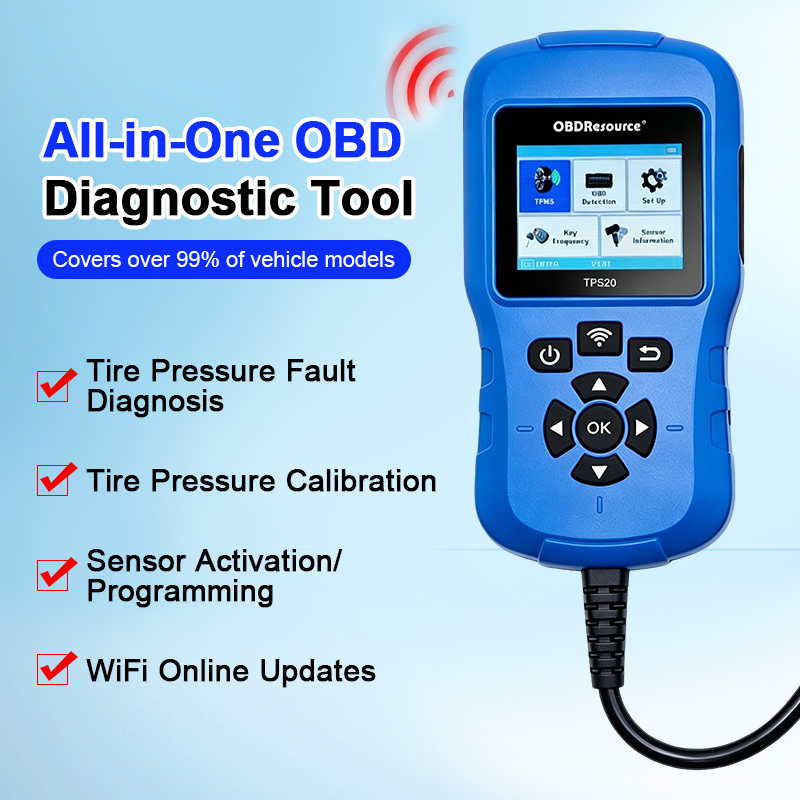
Activate compatible 315/433 MHz sensors and read ID, pressure, temperature and battery status. Read and clear TPMS fault codes and perform relearns on supported vehicles.
Program compatible replacements
Use manual entry, automatic creation, activation cloning or OBD cloning to write application data to compatible OBDResource TP-Sensors.
Run basic OBD2 engine checks
Read and clear engine fault codes and view freeze-frame data on supported vehicles. This capability does not imply full-system diagnostics or advanced service functions.
Suggested service workflow
Identify the application — Select make, model and year, then confirm sensor frequency and required functions.
Read the sensors — Activate each sensor and check ID, pressure, temperature and battery status.
Program and relearn — Program compatible replacements and use the attached OBD cable for supported vehicle relearn procedures.
Verify the work — Recheck TPMS status. If engine fault checks are needed, use the OBD2 menu on a supported vehicle.
Before you start
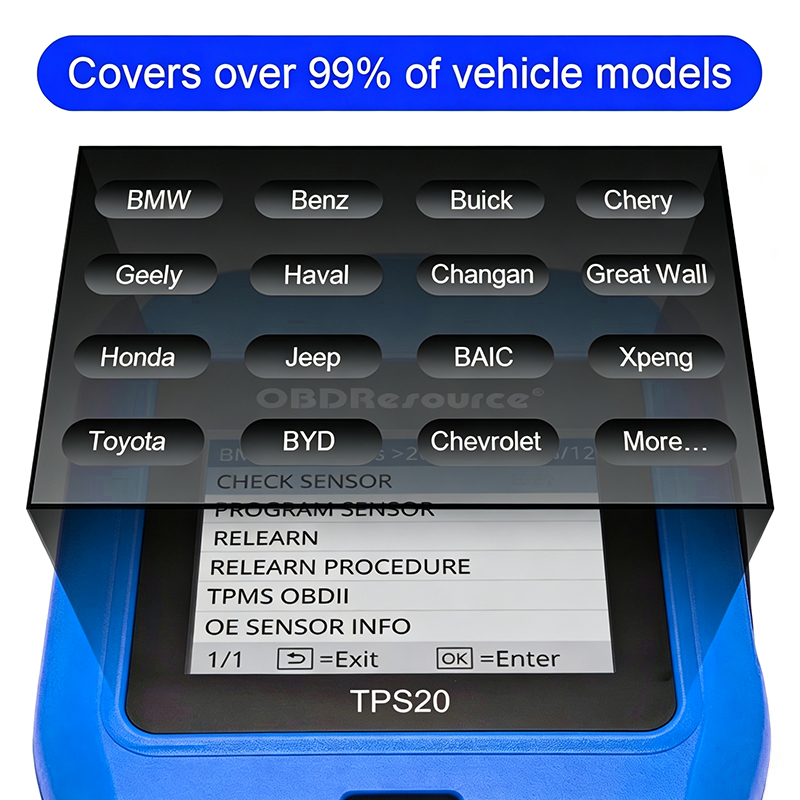
Vehicle coverage, sensor compatibility and available functions depend on model year, market and device software. Confirm the target vehicle and required operation before service.
Product images and details
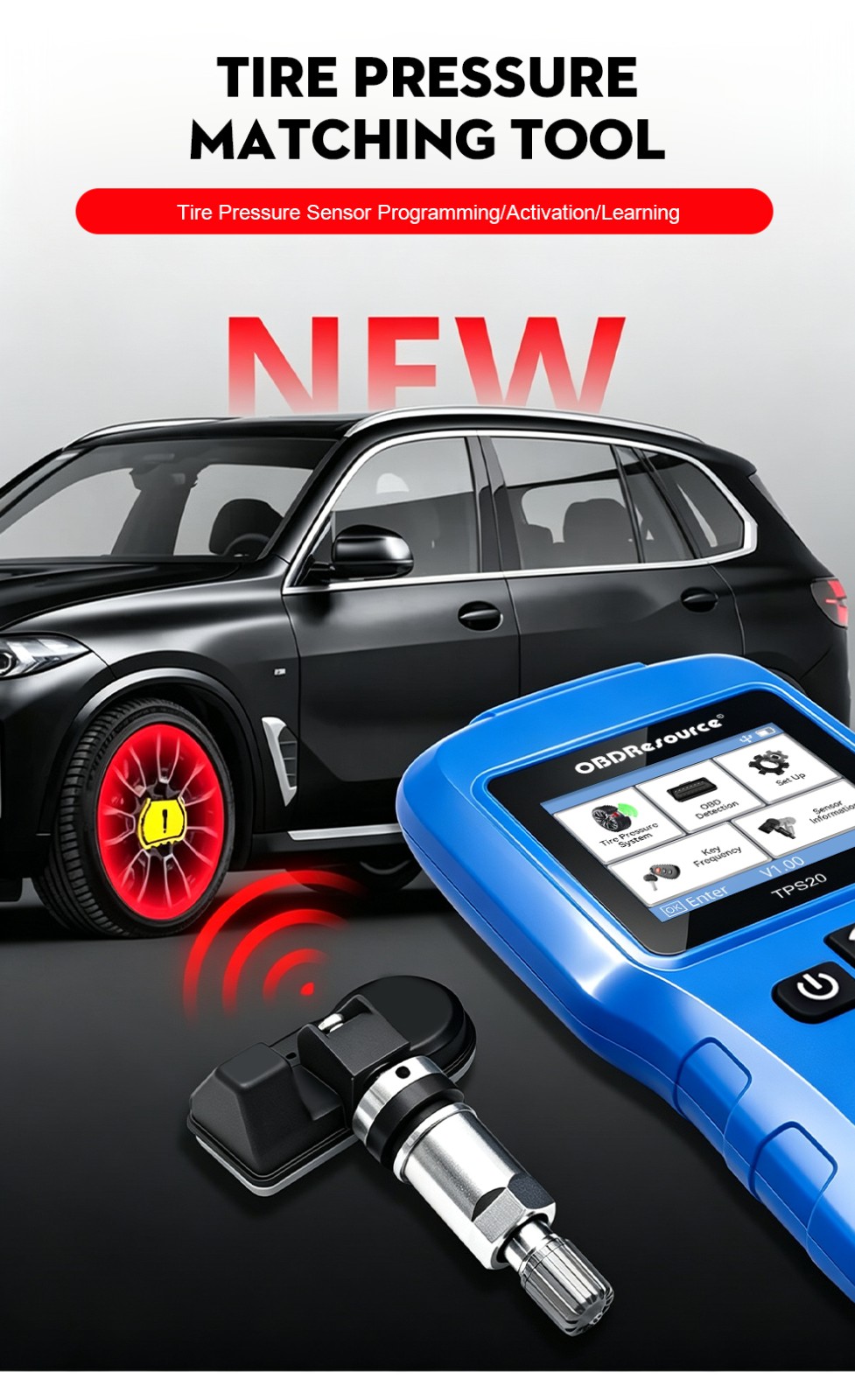
TPS20 handheld tool with attached OBD cable
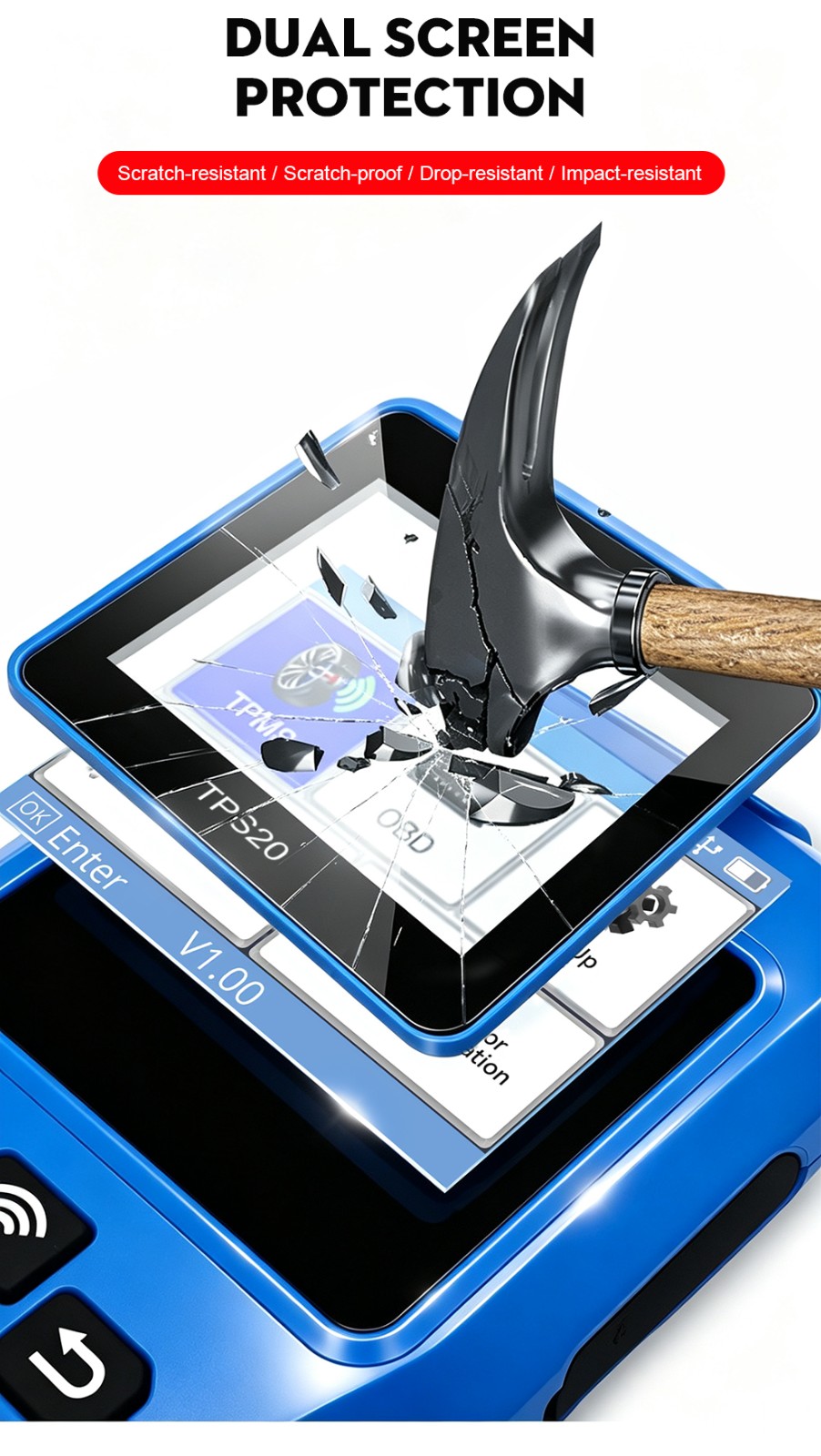
TPS20 screen and control protection
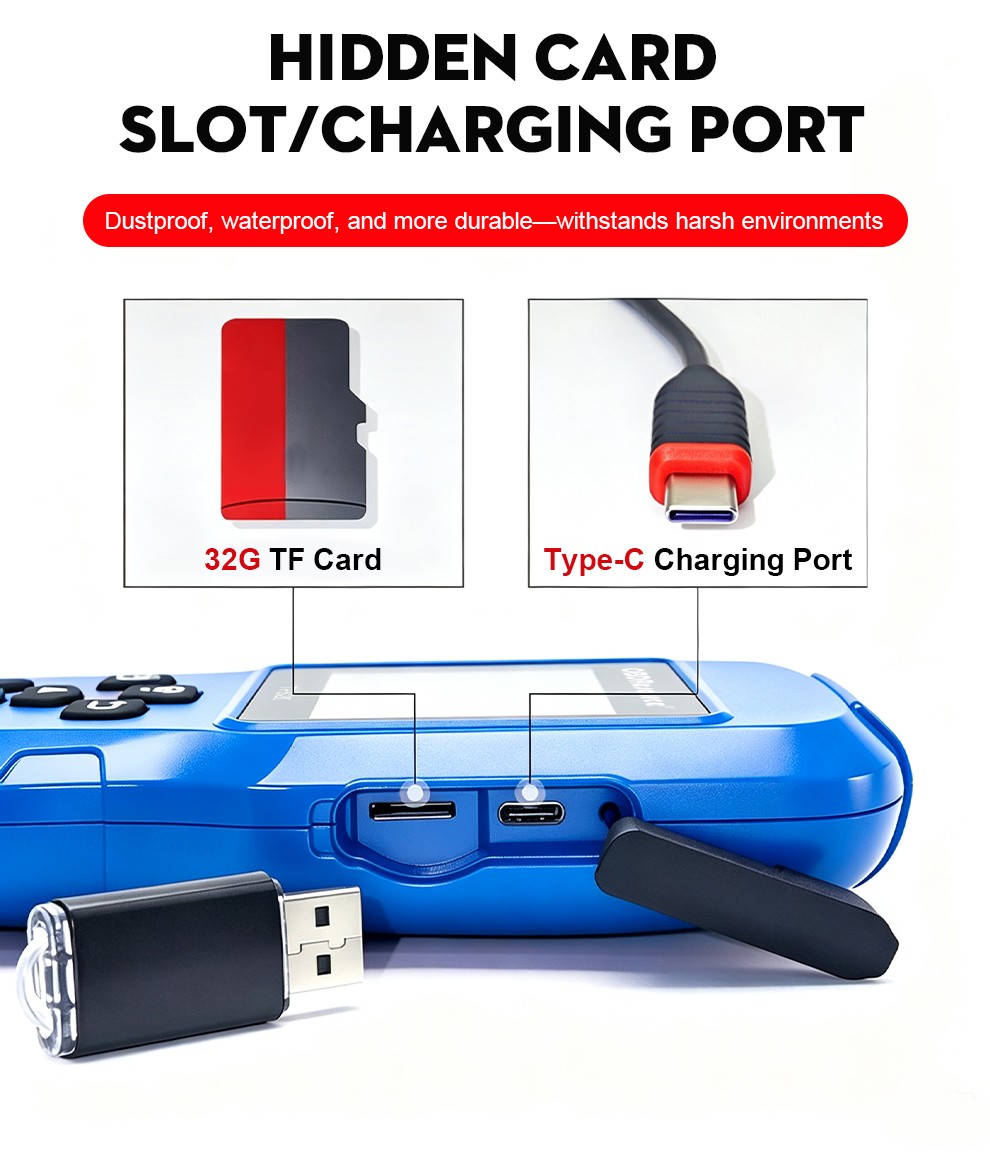
Type-C interface and TF card location
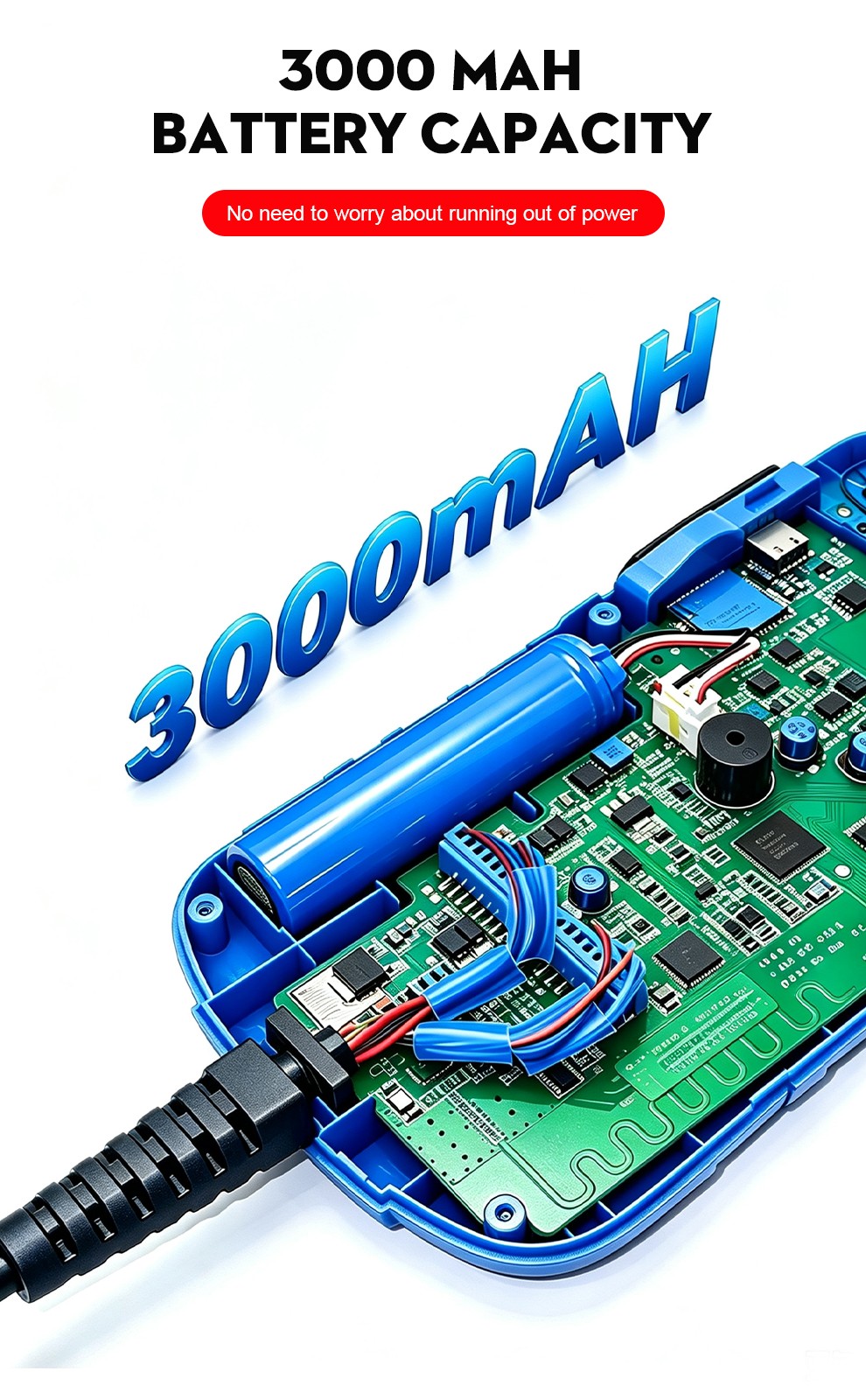
3000 mAh battery design
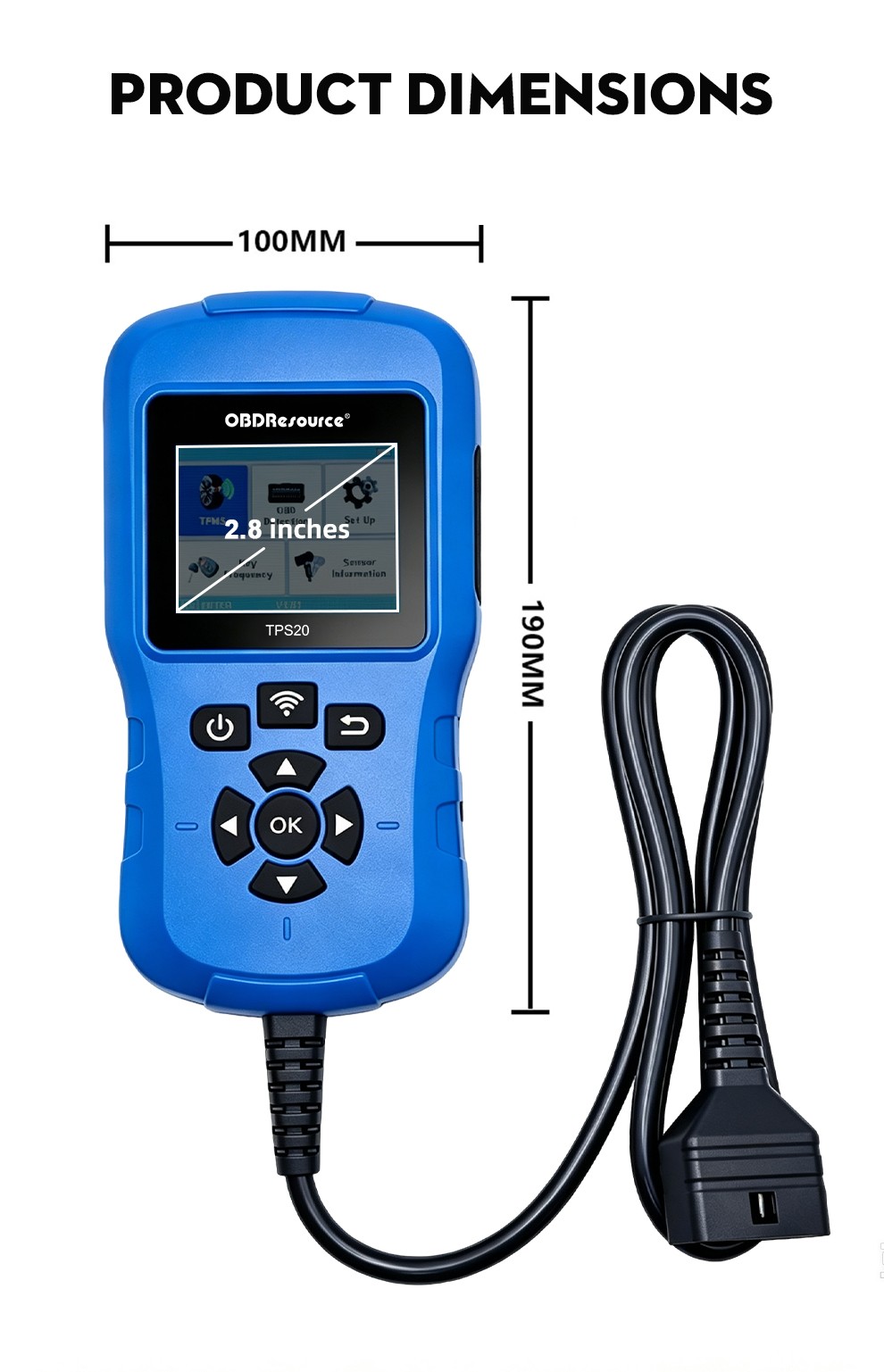
2.8-inch display and 190 × 100 mm body dimensions
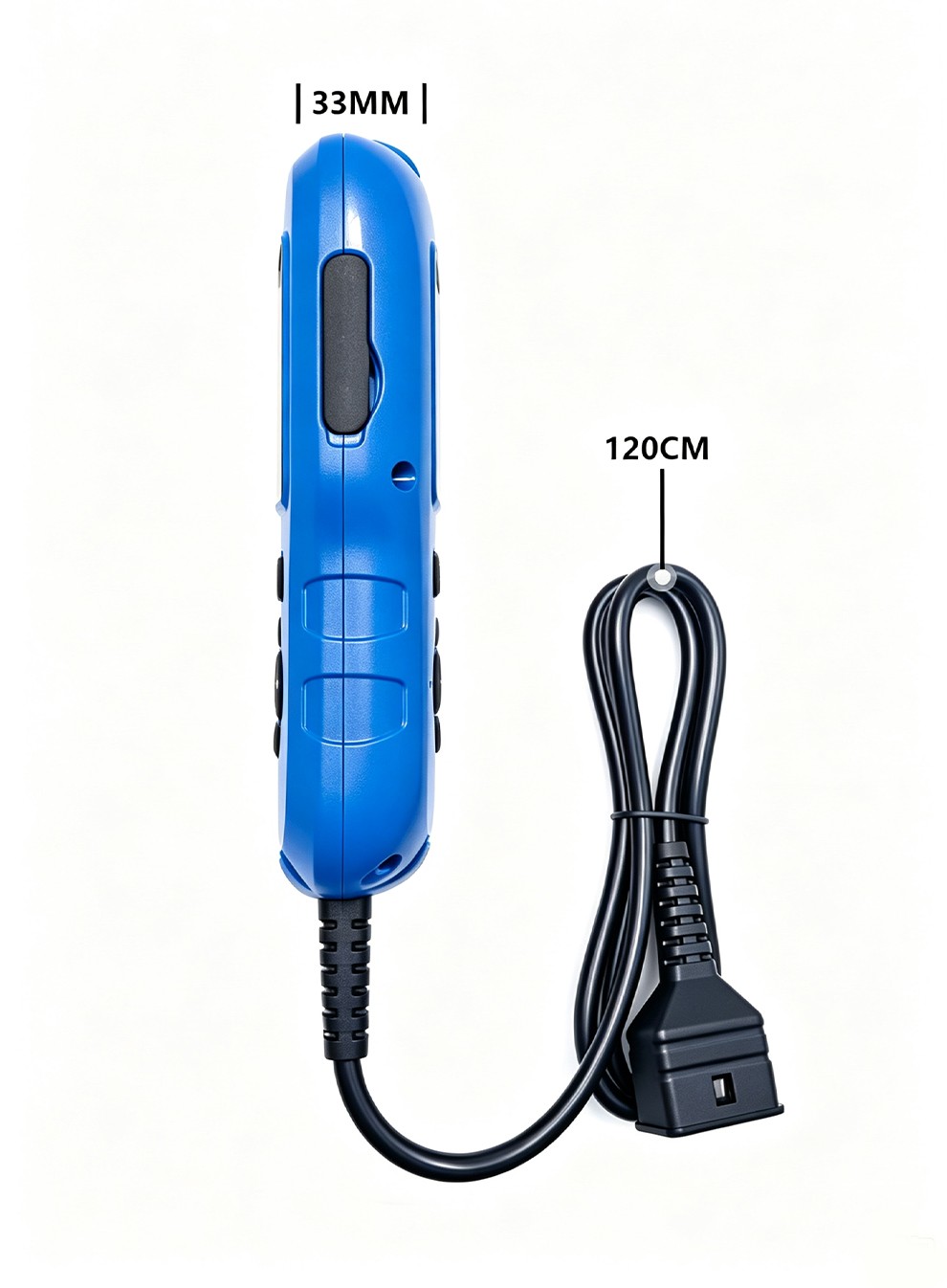
33 mm body thickness and 120 cm OBD cable
Frequently asked questions
How does its vehicle connection differ from a Bluetooth OBD model?
TPS20 connects to the vehicle diagnostic port through its attached OBD cable. Follow the tool and vehicle instructions for the required relearn procedure.
Does OBD2 support every vehicle and system?
No. This is basic engine diagnostic support for compatible vehicles. It should not be interpreted as full-system coverage for ABS, airbags, transmissions or other modules.
Will clearing codes always switch off the TPMS warning?
No. First address the cause, such as low tire pressure, a sensor fault or an ID relearn issue, then follow the vehicle’s verification procedure.
Are all 15 languages installed?
The product material lists support for 15 languages. Available selections depend on the device software. Confirm your required language before purchase; website translations do not establish the installed device languages.
Related products
TPS Elite Portable TPMS Diagnostic & Programming Tool · TPS23 Professional TPMS Programming Tool with Bluetooth OBD
Key features
Applications
Technical specifications
| Item | Specification or function |
|---|---|
| Model | TPS20 |
| Tool type | Handheld TPMS programming, relearn and basic OBD2 diagnostic tool |
| Sensor frequencies | 315 MHz / 433 MHz |
| Display | 2.8 inches |
| Battery capacity | 3000 mAh |
| Body dimensions | 190 × 100 × 33 mm |
| OBD cable length | 120 cm / 1.2 m |
| Vehicle connection | Attached OBD cable |
| Charging interface | Type-C |
| Storage card | 32 GB TF card |
| Software updates | Wi-Fi wireless updates |
| Interface languages | 15 supported languages; availability depends on device software |
| Sensor data | ID, pressure, temperature and battery status, subject to sensor protocol |
| Programmable sensors | Compatible OBDResource TP-Sensors |
| Programming methods | Manual entry, automatic creation, activation cloning and OBD cloning |
| TPMS diagnosis | Supported ID read/write, fault code reading/clearing, matching and relearn |
| OE lookup | Compatible OE sensor numbers and information |
| OBD2 diagnostics | Engine fault code reading/clearing and freeze-frame viewing on supported vehicles |
Vehicle coverage, sensor compatibility and available functions depend on model year, market and device software. Confirm the target vehicle and required operation before service.